
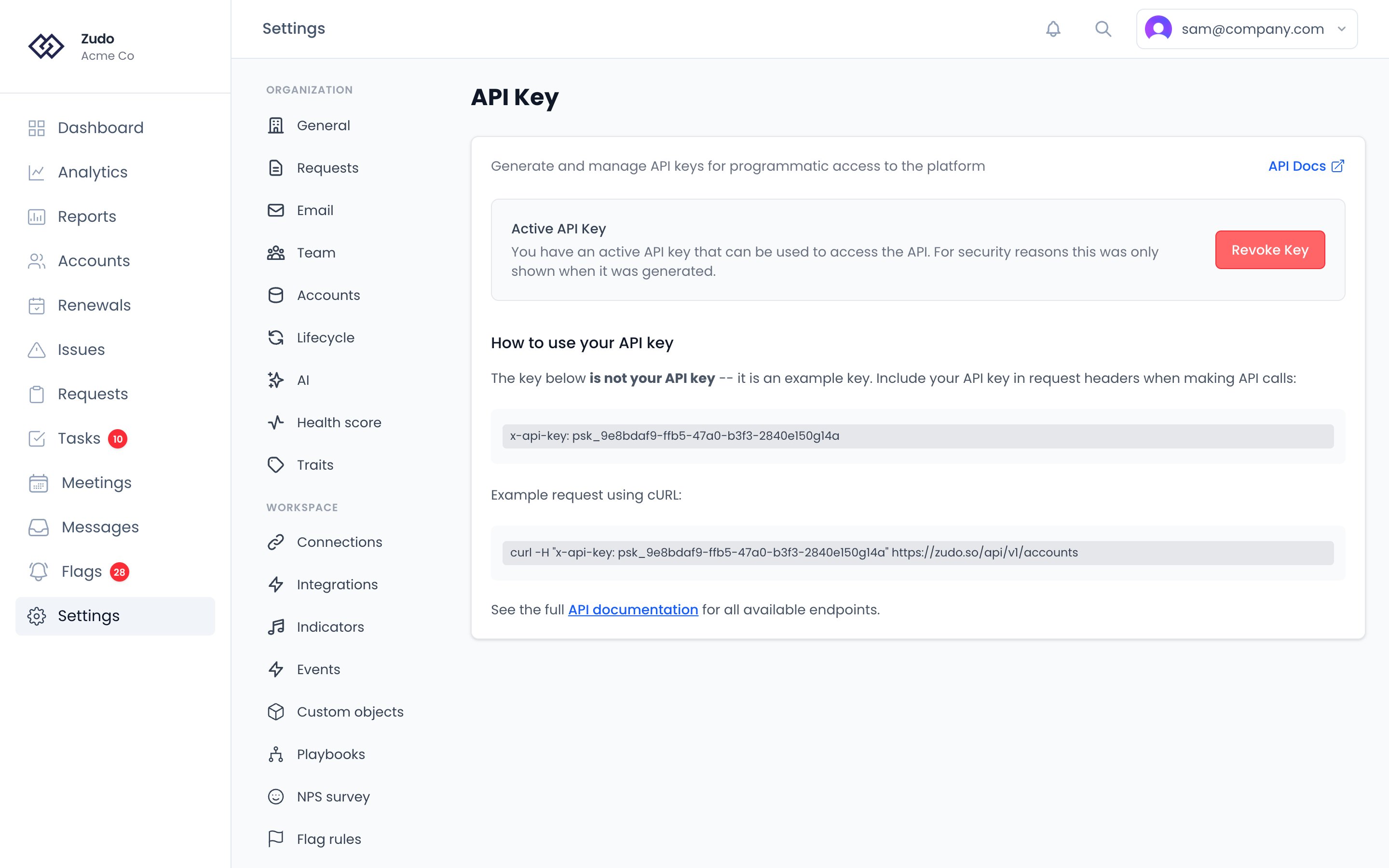
Generating a key
Click Generate API Key, or Generate New Key if you already have one, which invalidates your existing key. The key is shown once — copy it immediately. For security, you won’t be able to view it again after leaving the page. Keys use the formatpsk_ followed by a UUID (e.g., psk_9e8bdaf9-ffb5-47a0-b3f3-2840e150g14a).
Use the eye icon to toggle visibility and the copy button to copy to clipboard.
Using the key
Pass your key in thex-api-key header:
If you’re connecting an AI app like Claude or ChatGPT through Zudo’s remote MCP server, you usually do not need to
generate an API key manually. Start with the Remote MCP guide instead.
Revoking a key
Click Revoke Key to permanently delete it. You can generate a new one at any time — generating a new key automatically revokes any existing key.Rate limiting
API keys are rate-limited. If you exceed the limit, the API returns a429 status code. Check the x-ratelimit-remaining and x-ratelimit-reset headers to manage your usage.