
The Manage organization dialog these used to live in is gone; the Manage button on Settings → Organizations switches to that organization and opens its General page.
Most of the controls described below require Admin or Owner role. Members can see their team, the connections and the requests, but cannot modify settings, traits, CSM assignment, or webhook actions. See Members for the full role breakdown.
Organization Profile
Name and logo are on Settings → Organization → General.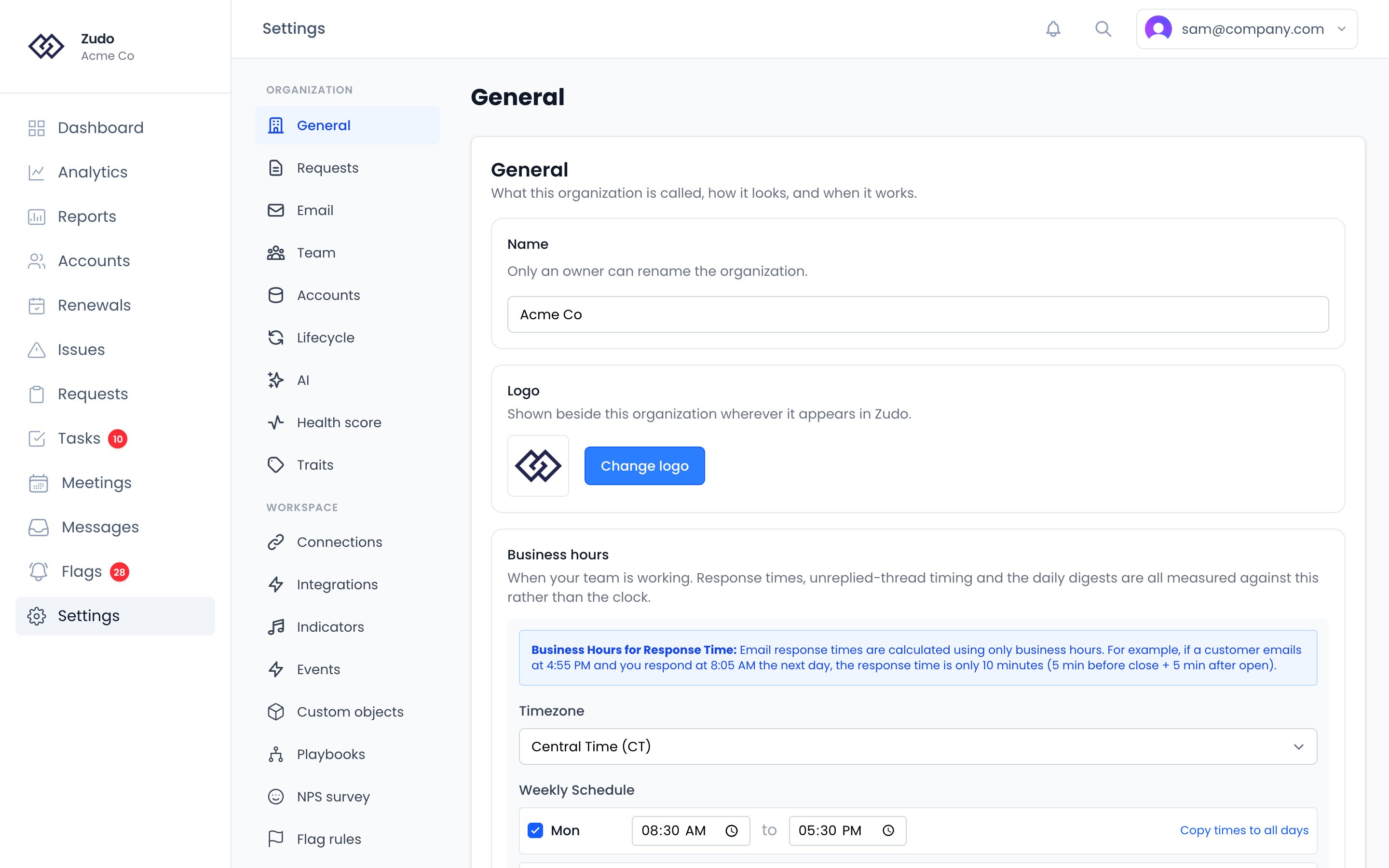
- Organization name — the display name used throughout the app.
-
Domains — your own email domains (e.g.,
acme.com), on Settings → Organization → Email. Zudo uses them wherever it needs to tell your team apart from your customers:- inbound customer emails versus internal replies, which is the fallback for a message stored before Zudo recorded its direction. Slack and Help Scout say which way a message went, so they do not need it
- whether a meeting attendee is marked Internal or Guest
- which attendees identify the account when a meeting syncs to Vitally
Business Hours
Found on Settings → Organization → General. Business hours control when your team is expected to be working. Only hours within this window count toward response time and toward the unreplied thread threshold. Under Business hours, pick your Timezone, then set your working days and hours in the Weekly Schedule.Custom Traits
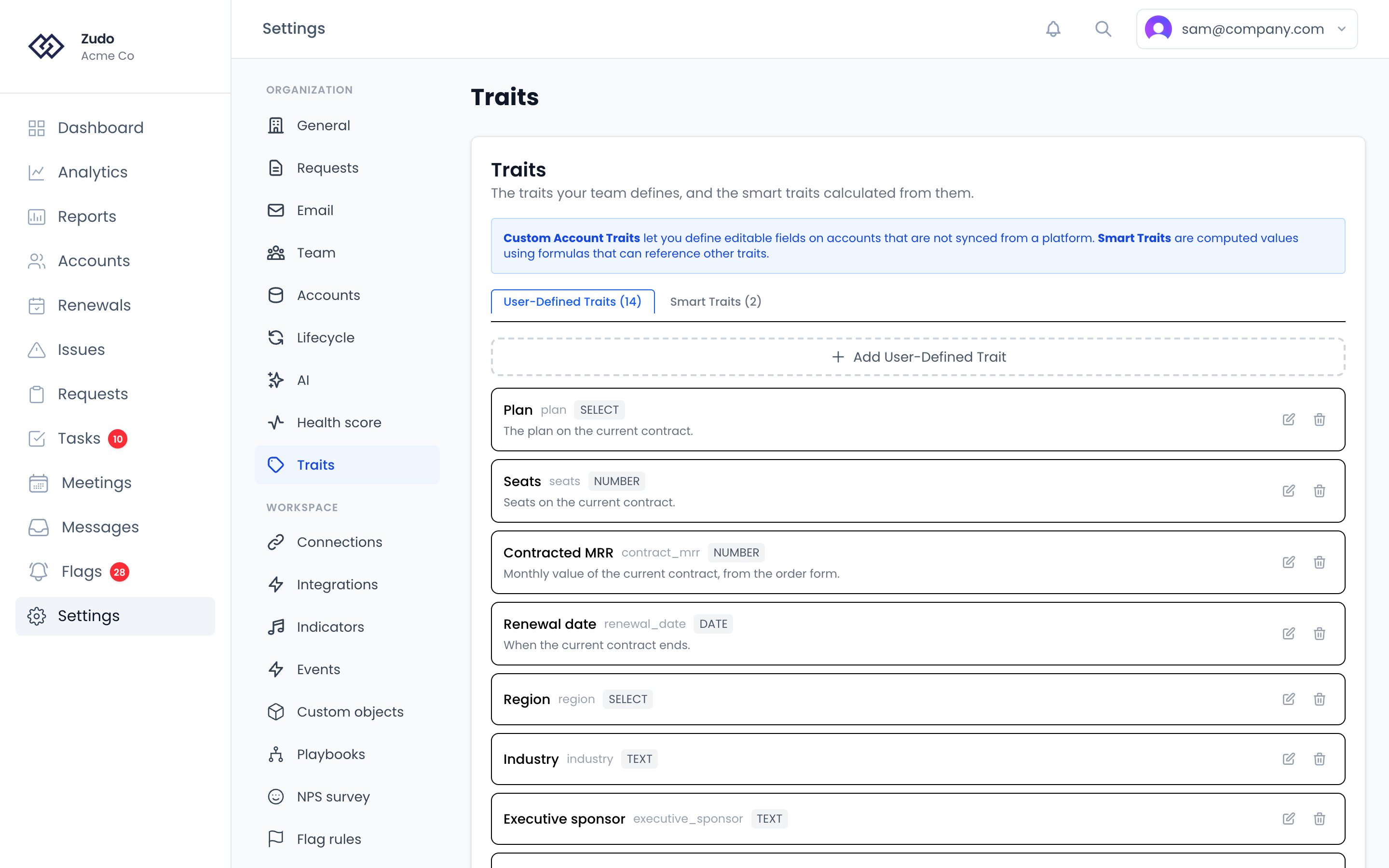
Custom traits let you define account properties beyond the built-in fields — contract tier, product line, onboarding status, or anything else you want to store and report on.- Go to Settings → Organization → Traits.
- On the User-Defined Traits tab, click Add User-Defined Trait.
- Set an internal name, a display label, and a type.
- Save — the trait is now available on all account pages and in custom reports.
Trait types
A multi-select is for a question that genuinely has more than one answer. A
churn reason is the usual case: an account that left over price and a missing
integration is a different story from either half, and forcing one answer throws
the other away.
It is a dropdown’s options with checkboxes instead of a single choice. In
segments, a multi-select offers includes and does not include rather than
equals, because an account that chose two options equals neither of them.
On a parent account, a multi-select rolls up as the
union of its members by default: every option any account inside it chose, once
each. The other roll-up rules would pick one account’s answers and drop the rest.
Smart traits
Smart traits are formula-based computed fields. On the Smart Traits tab, click Add Smart Trait and write a JavaScript-like expression (e.g.,traits.mrr / traits.employeeCount). Zudo works it out for every account. The account page, the formula tester and the accounts table’s own rows evaluate it as they’re shown, so editing a formula takes effect immediately. Filtering and sorting the whole accounts table use values Zudo works out every hour, and work out on the spot for any account it hasn’t reached yet. Smart traits support number, text, and boolean result types with optional formatting (decimals, prefix, suffix).
A formula can read:
The Zudo Traits group in the formula editor lists every
zudo.* key; hover one for what it is. Dates arrive the way a synced date trait does, so Date.daysUntil(zudo.renewalDate) works. A select gives its value rather than your organization’s name for it: zudo.lifecycleStatus is "trial", "onboarding", "subscribed", "churned" or "ignored", zudo.healthTier is "healthy", "needsAttention", "atRisk" or "critical", and zudo.npsCategory is "detractor", "passive" or "promoter".
A Zudo trait the account has no value for is null, so coalesce(zudo.daysUntilRenewal, 999) gives a fallback. coalesce does the same for a trait the account doesn’t have at all.
To leave the value empty on some accounts, return null: traits.revenue > 0 && mrr > 0 ? traits.revenue / mrr : null is empty, not 0 or an error, where there’s nothing to divide. An empty value doesn’t match a condition like “is less than 3”, so the account stays out of a segment built on one.
Formulas can do date arithmetic through Date:
So a renewal date can be worked out from the current one:
Date.addInterval(traits.current_contract_expiration, traits.agreement).
All date arithmetic is in UTC, so a formula gives the same answer wherever it runs. An unknown interval or an unreadable date reports an error rather than producing a value you’d have to notice was wrong.
Use Test Formula while editing to check your work. Leave the account picker empty to test against sample data, or search for a real account to see the value that account would actually get. The sample data has a few Zudo traits (zudo.mrr, zudo.arr, zudo.lifecycleStatus, zudo.healthScore, zudo.daysUntilRenewal, zudo.openRequestCount); test against a real account for the rest.
Formatting is display-only. A trait with a
x suffix showing 2.00x is the number 2 everywhere it’s compared —
Segments, filters and reporting all use the raw value, so a condition like ROI is less than 3
should be written against 3, not 3x.Last active
Found on Settings → Organization → Accounts. Controls where an account’s last active date comes from. List sources in priority order — the first one with a value for that account wins, and an empty source falls through to the next. Available sources:
A manual override set through the API always wins over everything in the list, so it isn’t shown as a source you can reorder.
With nothing configured, Zudo uses the newest contact last-seen date — the behavior that predates this setting, so existing organizations see no change until they configure one.
Product-event sources only see allowlisted events — the ones you chose to roll up on the connection. An account
whose only activity is un-allowlisted events won’t register on those sources and will fall through to the next one.
Parent accounts
Found on Settings → Organization → Accounts. How a parent account is worked out from the accounts inside it.- Health score: the average of its accounts’ scores weighted by MRR (the default), or its least healthy account.
- Count churned and ignored accounts: off by default, so a parent account’s MRR and health reflect what the customer pays and does now. Churned accounts stay listed on the parent account either way.
- Give the accounts inside a parent account its CSM: on by default. Setting a parent account’s CSM assigns its accounts to the same person. Either way, an alert for an account with nobody assigned goes to its parent account’s CSM.
- Synced traits: how each synced trait’s value is worked out for a parent account — the largest account’s value, a sum, the earliest date, and so on. Traits you create carry the same setting in their own form.
Renewal Pipeline
Found on Settings → Organization → Accounts. Where an account’s renewal date comes from, for the Renewals page.- Priority traits: date-typed traits, in order. For each account the first entry whose “use when” condition passes and whose trait has a value wins.
- Account scope filter: limits which accounts appear at all.
- Lists: Customers (the default) shows one row per customer, with a parent account standing in for the accounts inside it — its renewal date is the earliest of theirs, so the renewal appears once. Accounts lists every account and leaves parent accounts out.
{{trait.zudo.renewalDate}} read the same date the Renewals page shows.
Lifecycle
Found on Settings → Organization → Lifecycle. Admins only. Rules that set each account’s lifecycle status (trial, onboarding, subscribed, churned or ignored) from its traits and data, the traits that hold the churn date and the trial end date, and your team’s own names for the statuses. Saving shows how many accounts the rules will move before anything changes. See Account lifecycle.Account menu links
Found on Settings → Organization → Accounts. Open an account in your own systems straight from its page in Zudo. Each link you add appears in the account’s menu, next to the integration links. A link has a name, a URL and an icon you upload. Put a placeholder in the URL where the account’s id belongs:
For example,
https://app.acme.com/accounts/{externalId} becomes a link to that account in your admin panel.
Links are hidden on accounts that have no value for the placeholder they use, so a link keyed on a CRM id simply does not appear on accounts you created by hand. URLs must be https.
Connections
Settings → Connections is where you manage integrations. Each has its own configuration panel and can be toggled independently. See the Integrations overview for details on each one.Requests Settings
Settings → Organization → Requests controls how requests behave in your organization: what finishes a request, and which accounts count toward its impact.Email Summaries
Found on Settings → Organization → Email. Zudo can send daily and weekly summary emails to organization members. Summaries include active alert counts, open requests, tasks opened and closed, internal emails sent, accounts with activity, meetings held, and time spent in meetings.- Daily summaries cover the last 24 hours (sent at 5:30 PM)
- Weekly summaries cover the last 7 days (sent Fridays at 4:00 PM)
CSM Assignment
Found on Settings → Organization → Team. Each account can have a designated CSM (customer success manager). The CSM gets the alert and notification emails for that account, has the account’s tasks routed to them by default, and sees the account’s activity reflected in their personal summary emails. An account with nobody assigned falls to the CSM of the parent account it belongs to, and then to the fallback CSM below. Only current members of the organization are assigned work or sent its alerts. Removing someone hands their accounts to another member or back to the rules. If someone who has left is still named anywhere, Zudo skips them and moves on to the next person in that order, and an assignment rule naming them is ignored until you change it.Auto-assignment rules
On Settings → Organization → Team, under CSM assignment, define rules that auto-assign newly created accounts to a CSM. Each rule has a single condition — over the account’s name, MRR, or source (vitally, manual, csv_import, api) — plus a target CSM. The first rule that matches wins.
Rules apply to manual creation, CSV import, API creation, and Vitally sync (on the create branch only — re-syncing an existing account never clobbers a manually set CSM).
Rules are re-checked within a minute of an account changing, and swept hourly on top of that. This matters because an account often arrives before the thing a rule tests: a customer syncs in from Vitally before any MRR is known, so an “MRR is above 0” rule has nothing to match at the moment it is created. When the MRR arrives, the account is re-checked almost immediately rather than at the top of the next hour.
A playbook step that needs the account’s CSM — creating a task, or sending a Slack DM — also asks the rules directly rather than waiting. A playbook checks every five minutes, and an account that had not yet been given its CSM used to make the step do nothing at all, quietly, for as long as it stayed unowned.
The re-check only fills gaps. An account that already has a CSM is never moved, even if a rule now points somewhere else — reassigning somebody’s accounts in the background is not something a rule change should do quietly. An account that inherits its CSM from a parent is left alone too, since it already has an owner.
A rule saved with no condition at all is ignored rather than matching every account.
Use CSM → Nobody on the Accounts list to see what the rules have not covered.
Fallback CSM
The fallback CSM receives notifications when an account has no assigned CSM, and no parent account CSM to inherit from. Set one. It is the last step in the chain: without it, a flag on an account nobody owns is raised unassigned and emails nobody. It is still visible on the Flags screen, but nothing arrives in an inbox to prompt it.Bulk assign
The Bulk assign action one-shot assigns existing accounts to a CSM:- All accounts — overwrite every account’s CSM in this org.
- Only unassigned — fill in just the accounts that don’t have one.
- Pick Unassign all in the picker to clear assignments instead.
Daily Follow-Up
Found on Settings → Organization → Email. The Daily Follow-Up settings let you make the follow-up digest less noisy without losing the full in-app experience.- Send daily follow-up digest emails turns the digest on or off for the whole organization.
- Digest sensitivity controls which lanes are emailed:
- Important only emails the Owe Them Something and Bring Them News lanes. The Stay Close lane is hidden from email.
- Standard and Comprehensive email all three lanes, including Stay Close.
- Accounts shown per email section caps how many accounts appear in each email section so the message stays short and scannable.
Related
Health Score Config
Factor weights, tier labels, and scoring thresholds.
Members
Invite teammates and manage roles.
Webhook Actions
Automate trait updates with custom JavaScript.
Integrations
All available integrations and how to connect them.