
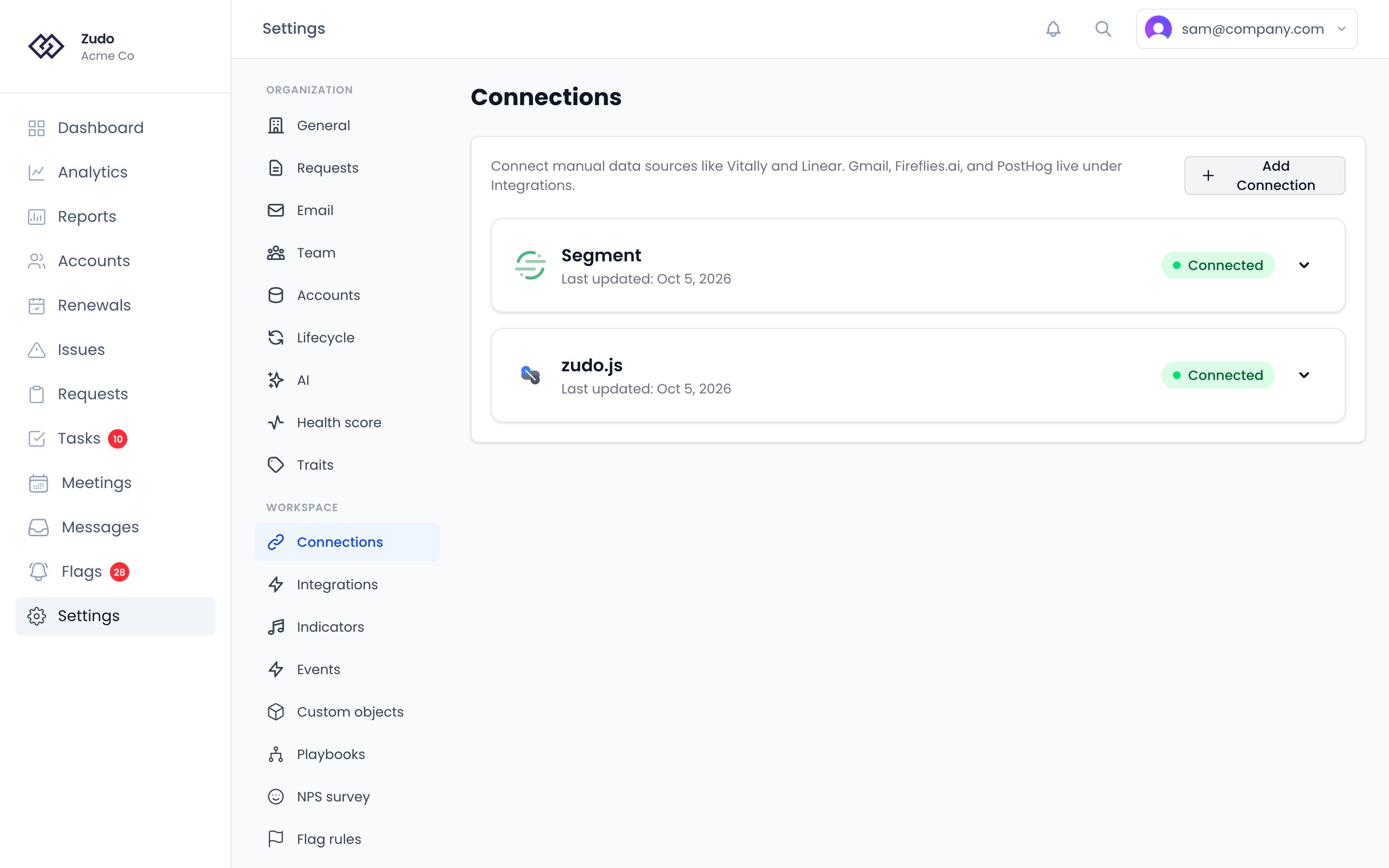
- Settings → Connections for Vitally, Stripe, HubSpot, Linear, GitHub, Slack, Help Scout, Segment and PostHog
- Settings → Integrations for Gmail and Fireflies.ai
AI app connections
Connections
Integrations
Connecting connections
1
Open Settings → Connections
Click Add Connection and select the platform you want.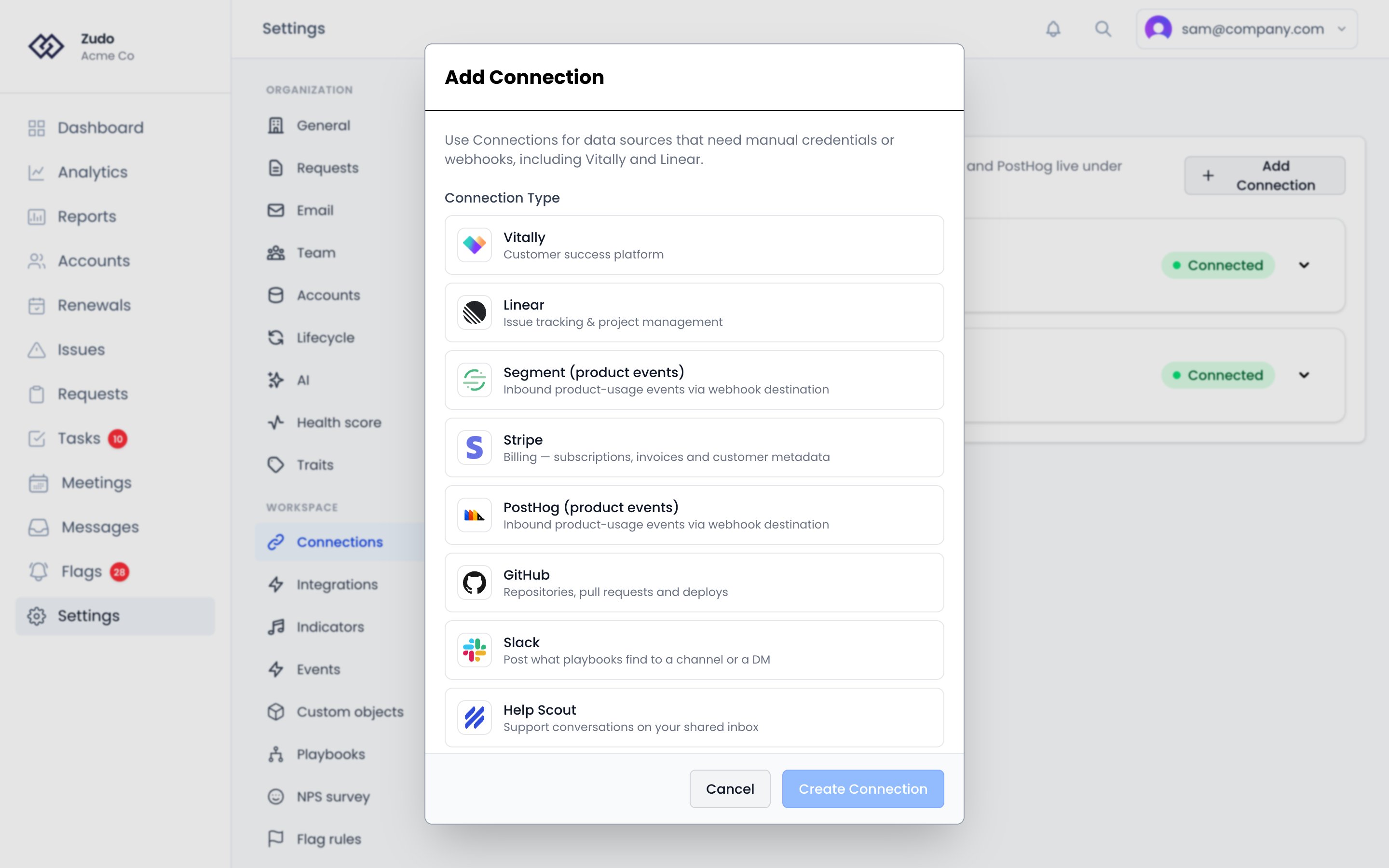
2
Enter credentials
Provide the API credentials Zudo asks for. Linear also requires the webhook ID from the webhook you created in
Linear.
3
Run the first sync
Zudo imports data immediately after creation, and every connection keeps itself up to date after that — on a
schedule, from webhooks, or both.Sync Now appears on the connections that have something to pull on demand: Vitally, Linear, Stripe and HubSpot.
Vitally and Linear finish while you wait. Stripe and HubSpot page through a whole customer list, so they start in
the background and fill in as they go — expect a few minutes on a large account, and nothing is lost if you navigate
away.The other connections don’t offer it, because there is nothing for it to pull: Segment and PostHog arrive as events
you send, Help Scout has its own backfill control that asks how far back to go, and GitHub
reconciles on its own schedule.
Connecting integrations
1
Open Settings → Integrations
Click Add Integration and choose Gmail or Fireflies.ai.
2
Follow the product-specific flow
Some integrations use OAuth, while others require API keys or extra webhook setup.
3
Confirm the integration card
After setup, expand the integration card to finish any follow-up steps such as webhook configuration.