/app/alerts still land here.
Flag types
The first four are raised by Zudo itself and are re-checked on a schedule. The last two describe a condition that a rule is continuously evaluating.
Statuses
Marking something addressed does not close it. Whether an unanswered thread is still unanswered, or an account is still at risk, is decided by the job or rule that raised it — not by anyone clearing it off a list.
The table
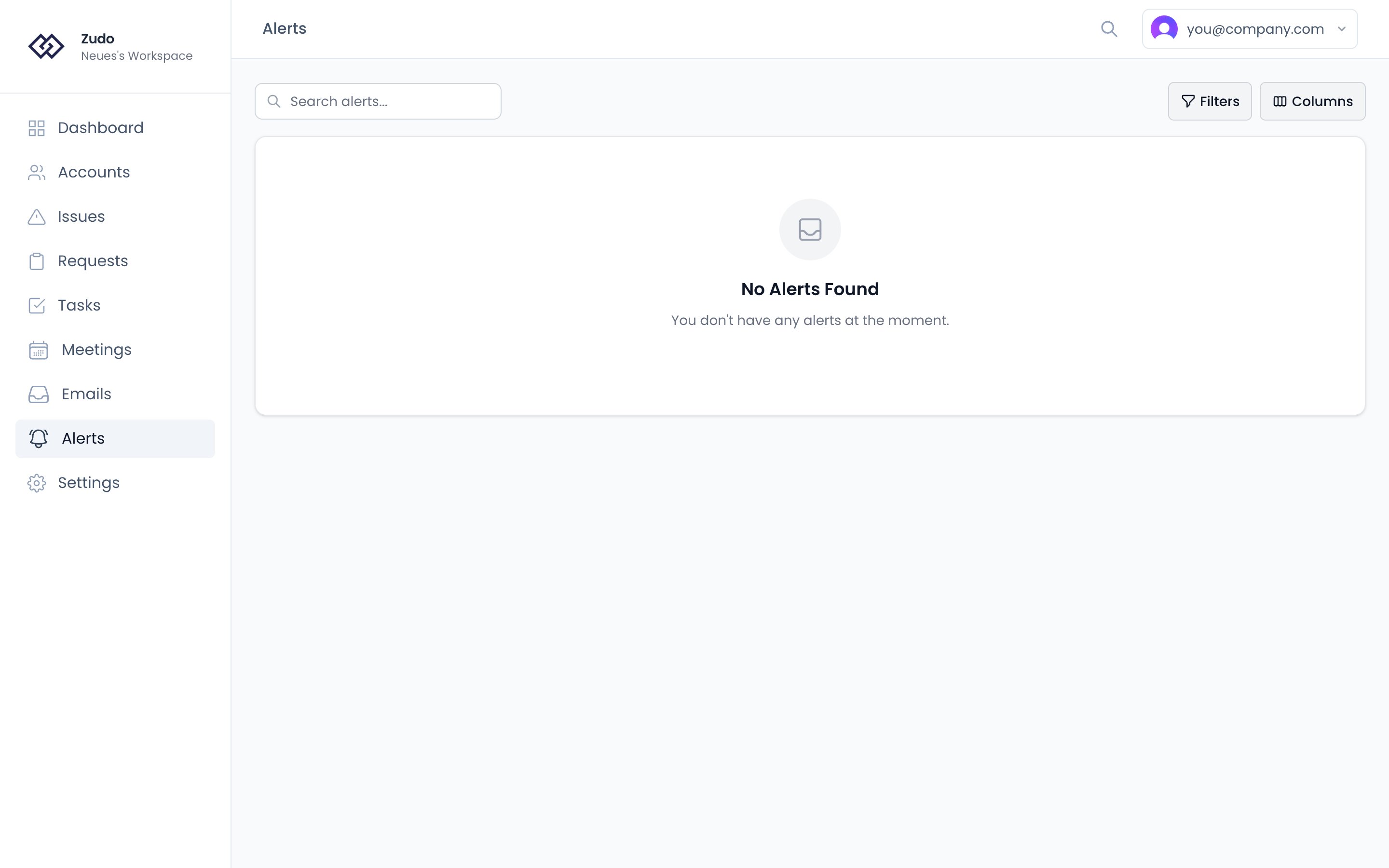
Each row shows a summary, type, status, linked account, related thread or request, and when it opened. A Gmail icon opens the thread directly in Gmail when applicable.Filters
Actions
Use the three-dot menu on each row to:- Snooze — hides it for 4 hours. Available on the flags Zudo raises itself, because something re-checks those on a schedule. A risk or opportunity cannot be snoozed: nothing would bring it back, and hiding a condition that is still true would say it had paused.
- Mark addressed / Reopen — says someone has dealt with this.
Email notifications
When a flag is raised, Zudo emails the resolved recipient using this fallback chain:- The account’s assigned CSM (see CSM assignment).
- The org’s fallback CSM if no CSM is set on the account.
- The integration owner (the user who connected Gmail) if neither is configured.